
RAM at idle
44× less
44× less RAM and 24× less disk space than Twinkle Tray
Brightness, contrast, HDR and inputs for all your monitors. A free native Windows tray app — try the sliders on the right.
Same job, native Rust instead of Electron.
RAM at idle
44× less
Disk space
24× smaller
Same Windows 11 PC, Task Manager memory 90 s after launch, idle in the tray. Candle Tray 0.1.0 vs Twinkle Tray 1.17.2.
Rename or hide displays, map the slider to a hardware range, and save profiles with their own shortcuts. Nothing ever needs a restart.
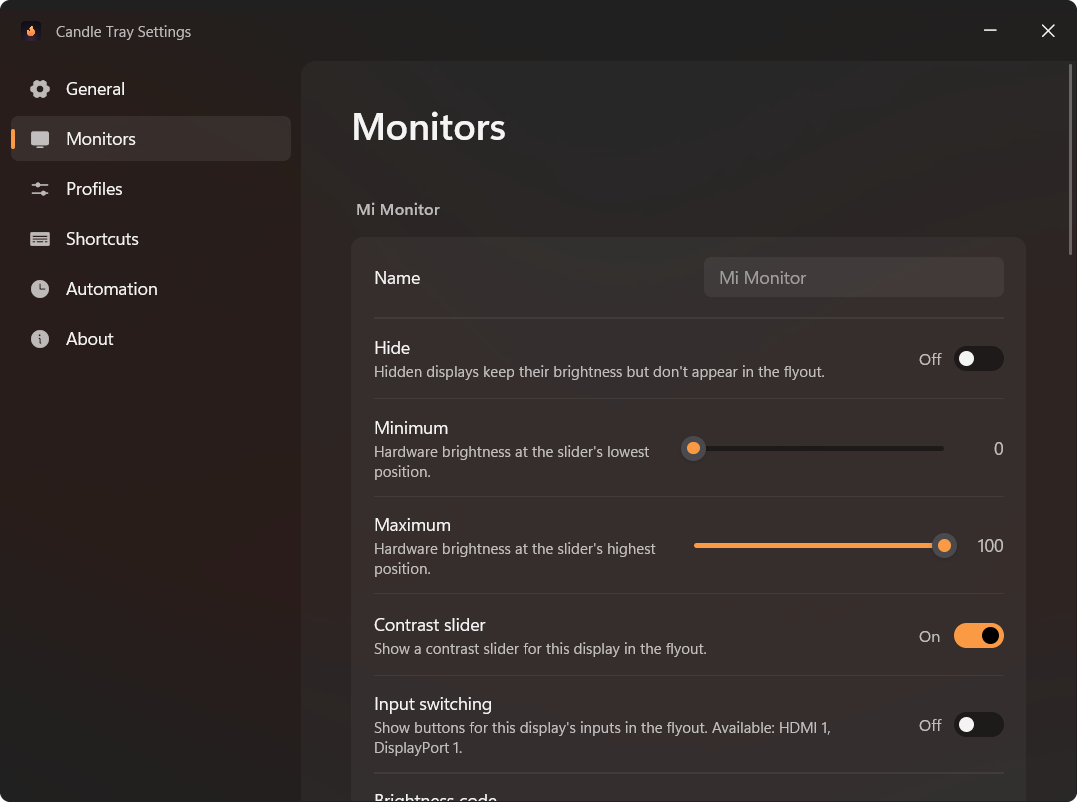
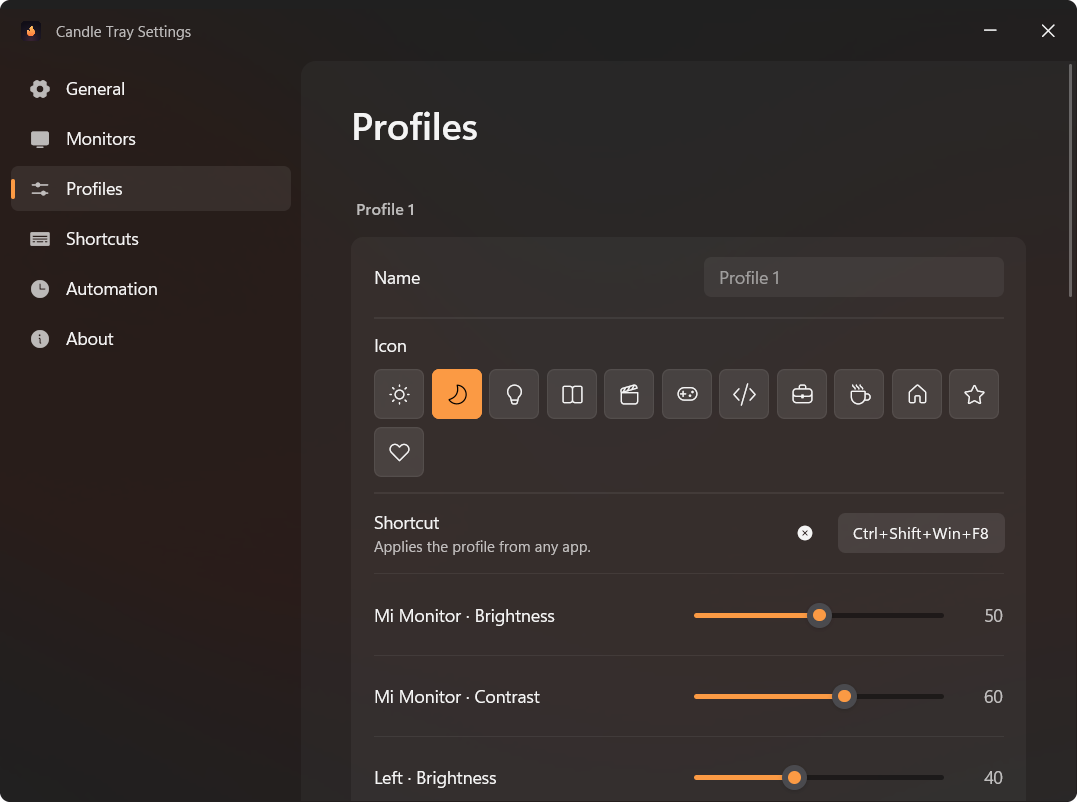
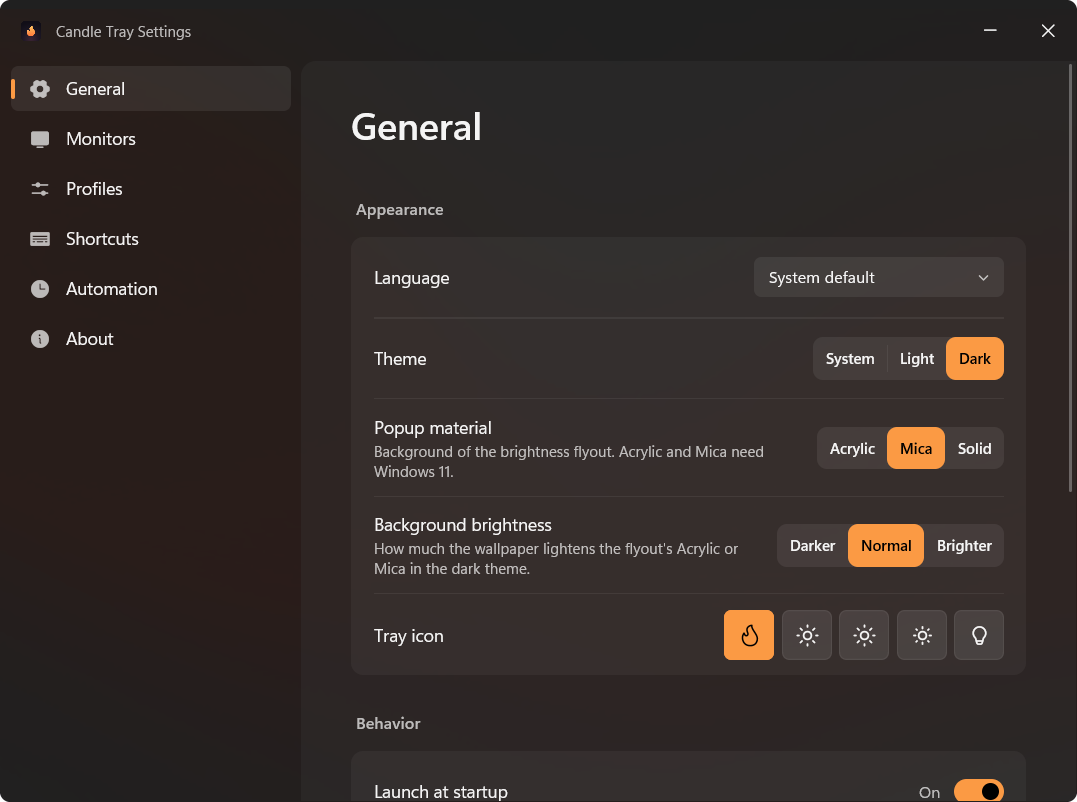
Installer or portable ZIP for x64, ARM64 and x86. It updates itself from GitHub Releases and can import your Twinkle Tray settings.